You thought we were done didn’t you? Not quite. There’s still plenty more to cover on this one.
In Part 1, we talked about the obvious wins like time back, less admin, fewer headaches. Now we’re going deeper: the kind of automation wins you might not have even thought about yet. Get your scuba gear out.
Let’s start with another scenario…
Imagine you run a small graphic design studio. Your team’s insanely talented, but somehow half their day vanishes into tasks like tracking time spent on projects, sending follow-up emails to clients, and scheduling meetings. None of that is the work you hired them for. Here’s where automation is your new fave.
Enhancing employee productivity
Think of workflow automation as your studio’s invisible studio manager. It can take care of those repetitive tasks like sending automated reminders to clients for feedback or approvals, organizing project files on your server, and even tracking how much time each task takes. This is like giving your team a magic wand that instantly completes their least favourite tasks. And yes, morale skyrockets when people get to spend their day doing more of what they’re good at.

Improving customer experience
Now, let’s talk about your clients. When automation handles the boring bits, projects move faster. There’s less “just checking in” and more “wow, that was quick.”
Imagine: when a design draft is ready, your system automatically emails the client, asks for feedback, and sends a gentle nudge if they forget to reply. No delays, no manual chasing. Clients feel looked after and informed. You look hyper-organised (even if you’re eating chips for lunch over a keyboard).
It’s a win-win situation.
So how do you actually start making all this magic happen?
Here is the roadmap to follow for taking on automation setups. But first (let me take a selfie) –
Start small. Don’t automate everything at once. Pick one or two pain points, build confidence, then expand.
1.Define your key processes
Start simple: what are the things you do every week, without fail? Quotes, invoices, follow-ups, file uploads?
Pro tip: just because you can automate something doesn’t mean you should. Some things need a personal touch, especially in small businesses where relationships matter. Balance efficiency with authenticity.
2. Eliminate unnecessary steps
Next, look at these tasks closely.
Are you double-entering data? Copying the same info between three platforms? Cut that first. You can’t automate clutter.
3. Formalise your workflow
Once its colonoscopy clean, document it. This is about creating a “this is how we do things” manual, so you have a repeatable blueprint and not just something stuck in one dude’s head.
Bonus tip: involve your team. It might seem tedious to undergo a multi-step review for every task, but it’s an ironclad way to create workflows that stick. Get each person involved in reworking their team’s workflows to encourage them to evaluate their personal habits and even create their own workflows.
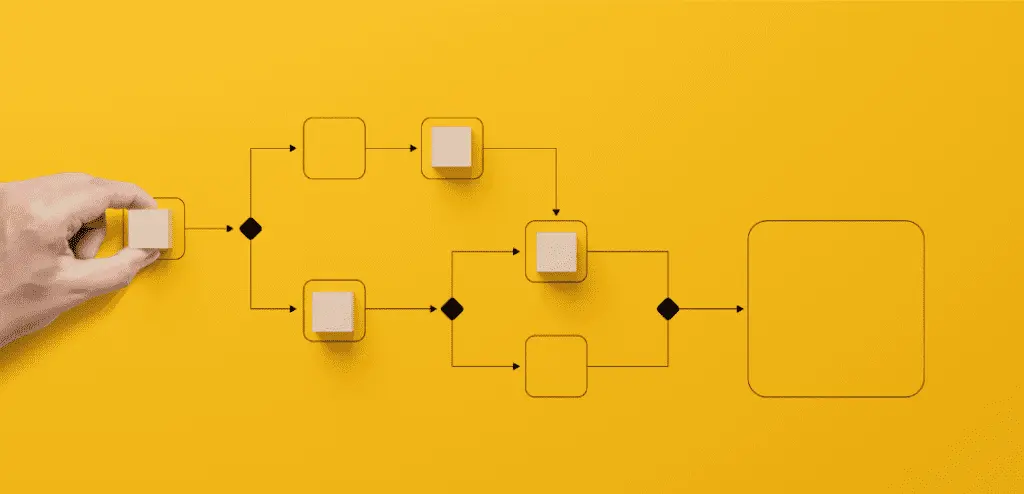
4. Leverage automation for refinement
Now you are cooking. Automate the right things. Look for tools that can handle your new, lean workflows, or replace multiple apps with one platform that does it all.
If it still feels clunky, adjust. Automation isn’t “set and forget.” It’s “set, test, tweak, and finally exhale.”
Automation isn’t just about “keeping up with tech.” Even your small business really can run smoother.
If you’ve made it this far, you’ve already done half the work, you’re paying attention.
In Part 3, we’ll get into the how: the exact tools and automations worth using, how to link them, and what to absolutely avoid.
Bonus: Quick-hit automation ideas
Because we know your brain’s already making a list:
Agency workflows: send the project brief automatically when a proposal’s signed.
Consulting: auto-generate weekly status reports.
Accounting: invoice + reminder automation.
IT / Engineering: automatic milestone updates.
Customer service: chatbot for FAQs.
Lead nurturing: drip campaigns for warm leads.
E-commerce: abandoned cart reminders.
Event management: automated registration + reminders.
Office ops: meeting scheduling + doc approvals.
Finance: automatic expense tracking.
Hiring: automated applicant sorting.
Social media: scheduled posting (without living on the app).
If it repeats, it belongs here.
Project 24/7, our technology studio, builds and runs automations so they stop being your job.
Want a second opinion on what is worth automating? Should You Automate This? is where we start.